Vai al contenuto
Niagara Indie Apps
REA

REA

See inside any program: hashes, strings, headers and entropy

Windows Web / PWA macOS Linux
Avviso: Le versioni Web/PWA possono essere usate su iPhone, iPad e Mac compatibili. Non si tratta di download .ipa nativi per iOS o macOS. Istruzioni di installazione.

Scarica REA — Gratis

L'app è gratuita da scaricare e installare. Qui sotto trovi cosa include lo sblocco una tantum.

Sblocca REA

Reverse Engineer Apps is free to try for 3 days on Windows, Linux and macOS. This one-time purchase unlocks it permanently with a license key, activated in the app on up to 2 of your devices.

$4.25 CAD una tantum, fino a 2 dispositivi

Dopo l'acquisto riceverai una chiave di licenza via email. Inseriscila nell'app per attivarla su un massimo di 2 dei tuoi dispositivi.
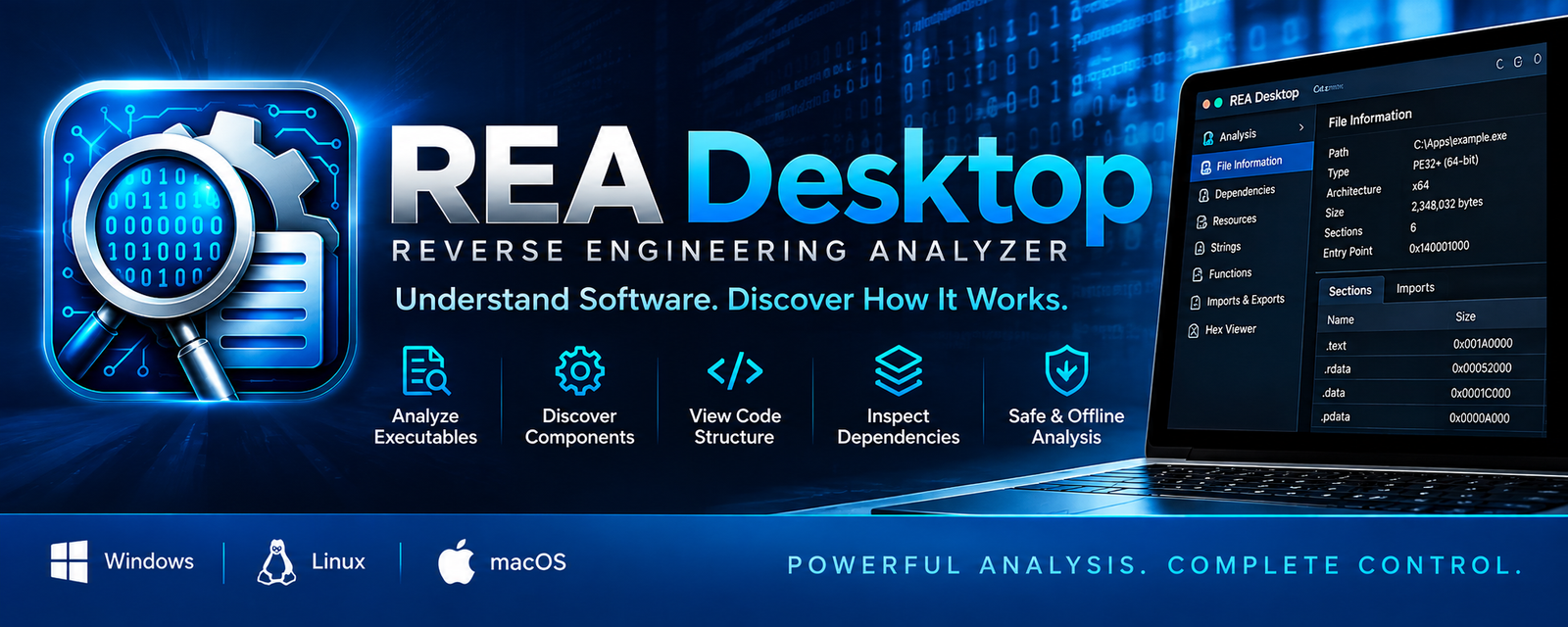
Immagine in evidenza di REA

Panoramica

Reverse Engineer Apps is a desktop application for examining executables, libraries and other binary files without running them. It gives developers, security researchers, IT staff and students a clear graphical way to see what a file is made of. Pick a file and the app identifies its format, shows its metadata, calculates its SHA-256 hash, displays the hexadecimal header, extracts readable ASCII strings with their offsets, and measures byte entropy to help spot packed or encrypted data. Results can be exported as a JSON report. Your files stay on your computer. Local inspection works offline, and the app never executes a file just to inspect it. Nothing you inspect is uploaded unless you explicitly choose to send it somewhere. Deeper analysis features, such as running the full REA engine, project history and optional AI-assisted analysis, are still being developed and are not part of this description until they are finished and tested. Try the full app free for 3 days. After that, a one-time payment unlocks it for good on up to 2 of your devices. Open Source Acknowledgement Reverse Engineer Apps is developed and distributed by G Thompson / Niagara Indie Apps. It incorporates software from REA (Reverse Engineer Anything), an open-source project developed by morluto and its contributors. Original repository: https://github.com/morluto/rea The original REA software is licensed under the MIT License. Copyright (c) 2026 morluto. The original REA developers retain their respective rights to their contributions. Niagara Indie Apps independently develops and maintains the desktop application and its original components. Niagara Indie Apps is not affiliated with or endorsed by the original REA project. The complete original licence and the notices for other components are inside the app, in the About section under Open source credits. Optional Ghidra analysis For a deeper look, the app can use Ghidra, the free reverse-engineering suite from the U.S. National Security Agency, to count the functions and strings in a program and list its memory sections. The file is only read, never run, and nothing is uploaded. Ghidra and Java are separate programs and are not included: the Windows setup asks before it installs them, and on Linux and macOS the app asks the first time you open it.

Funzionalità

File format identification

See what kind of file you have, even when the name says otherwise.

Metadata inspection

Read a file's size, type and other details at a glance.

SHA-256 hashing

Get a file's fingerprint to verify it or compare it with another.

Hex header view

Look at the raw bytes at the start of any file.

Strings extraction

Pull out readable text with the offset where each string was found.

Entropy analysis

Measure how random a file's bytes are, to help spot packed or encrypted data.

JSON report export

Save your results as a report you can keep or share.

Local and private

Works offline. Files are never run or uploaded without your say-so.

REA engine analysis

Let the REA engine read a program's structure and list what it can and cannot tell. The file is only read, never run.

Ghidra analysis (optional)

Count a program's functions and strings and list its memory sections with Ghidra. Ghidra and Java are installed only if you agree.

Screenshot

Cosa fa

A desktop tool for inspecting files and software. Identify file formats, read metadata, compute SHA-256 hashes, view hex headers, extract strings and measure entropy. Runs locally on Windows, Linux and macOS.

Requisiti

A 64-bit desktop computer running Windows, Linux or macOS. No internet connection is needed to inspect files; a connection is needed once to activate a license.

Privacy

Leggi le informazioni sulla privacy di questa app →

Assistenza

For questions about Reverse Engineer Apps, use the Contact page and select this app, or email admin@niagaraindieapps.com. For license questions, include your Device ID from the app.

Ricevi assistenza